Password Migration
Step-by-step: Merge your wallet passwords after the Chrome Store auto-update
- Let Chrome finish the update
- You don’t need to manually install anything. Chrome will push the update automatically. The Fast Code
- If you want to confirm it updated:
- In Chrome, go to
chrome://extensions - Turn on Developer mode (top right)
- Click Update This forces Chrome to grab the newest extension version if it hasn’t already.
- In Chrome, go to
- Open the extension
- Click the puzzle-piece Extensions icon in the top-right of Chrome.
- Select Crucible Wallet
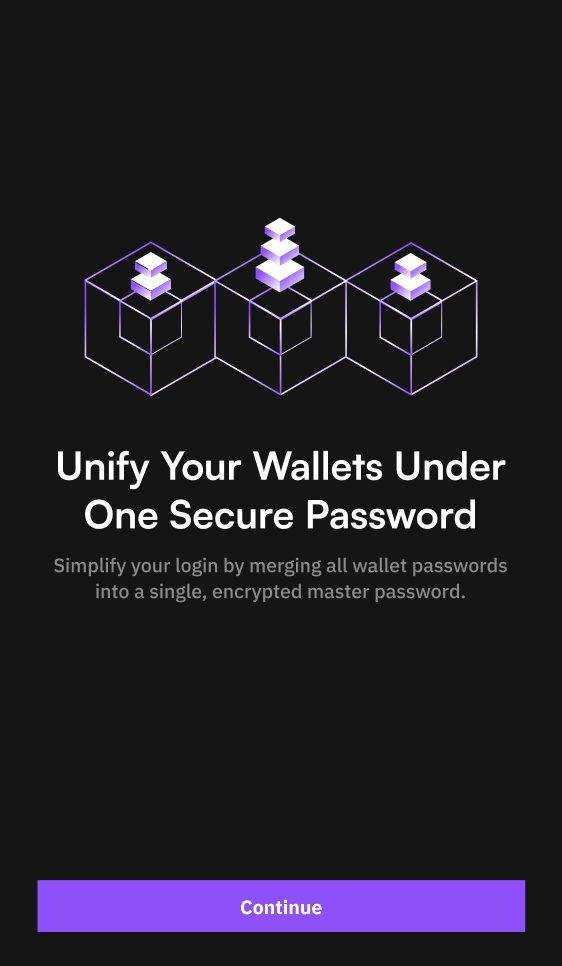
- You will see a message asking you to unify your wallets under one password.
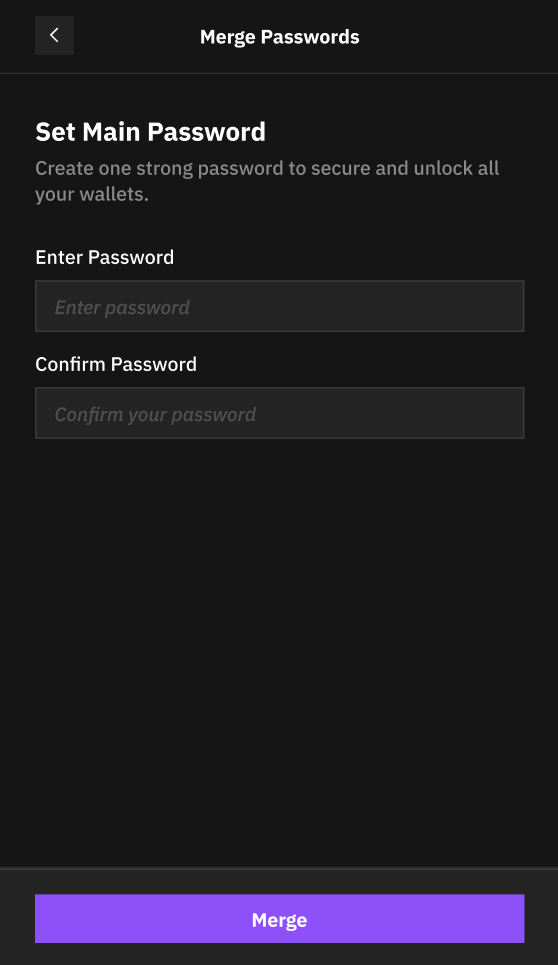
- Set a main password
- Enter the password you want to use to unlock the Crucible Wallet
- Select merge
- You’ll be taken to a screen to verify the current password you have set for each of your accounts
- Start using Crucible
- You’re now in! In the future, use your main password to unlock Crucible.